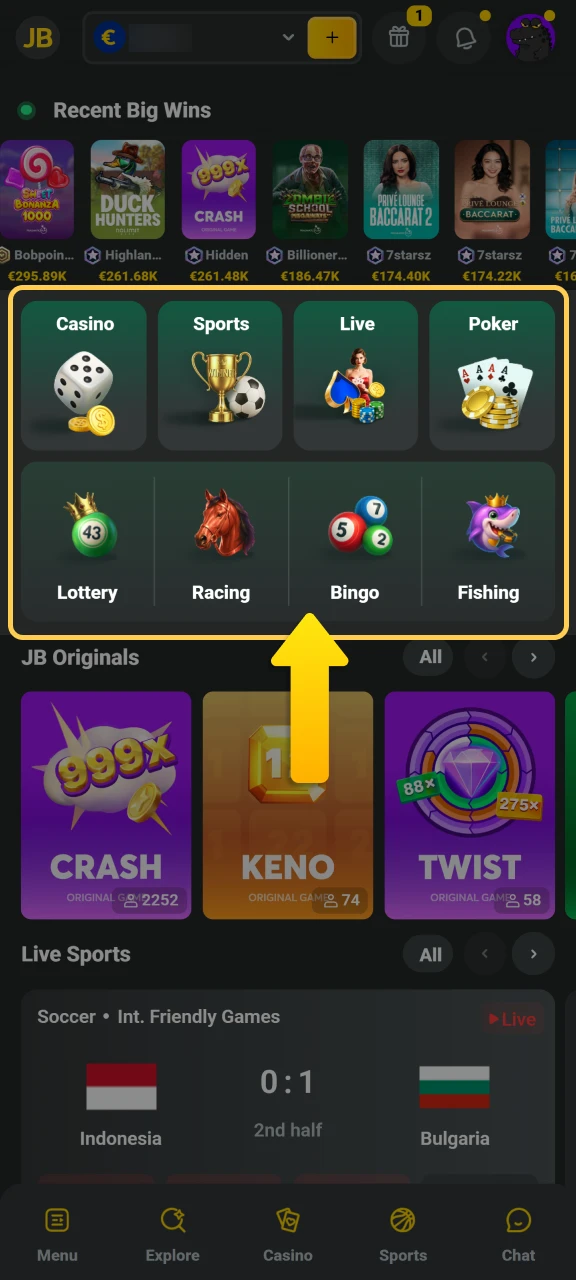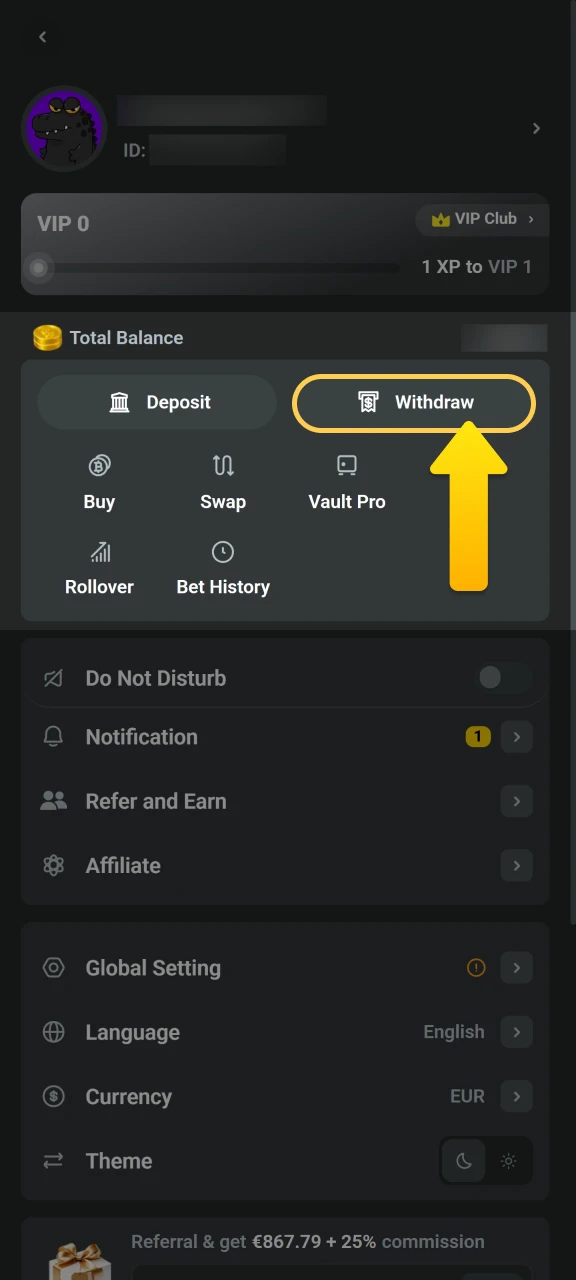
Start Playing at JB Casino

Registration opens the door to casino games, live betting, and secure account management. The process takes minutes and gives you access to your personal gaming area. Login keeps your progress, bonuses, and payment methods safe. Verification protects your account and guarantees withdrawals without delays. The platform works on desktop and mobile app, making it easy to play anywhere. Registration, login, and verification follow straightforward steps designed for all users. Support is available if you need help at any stage. New players can claim a welcome bonus of up to EUR 17,160.

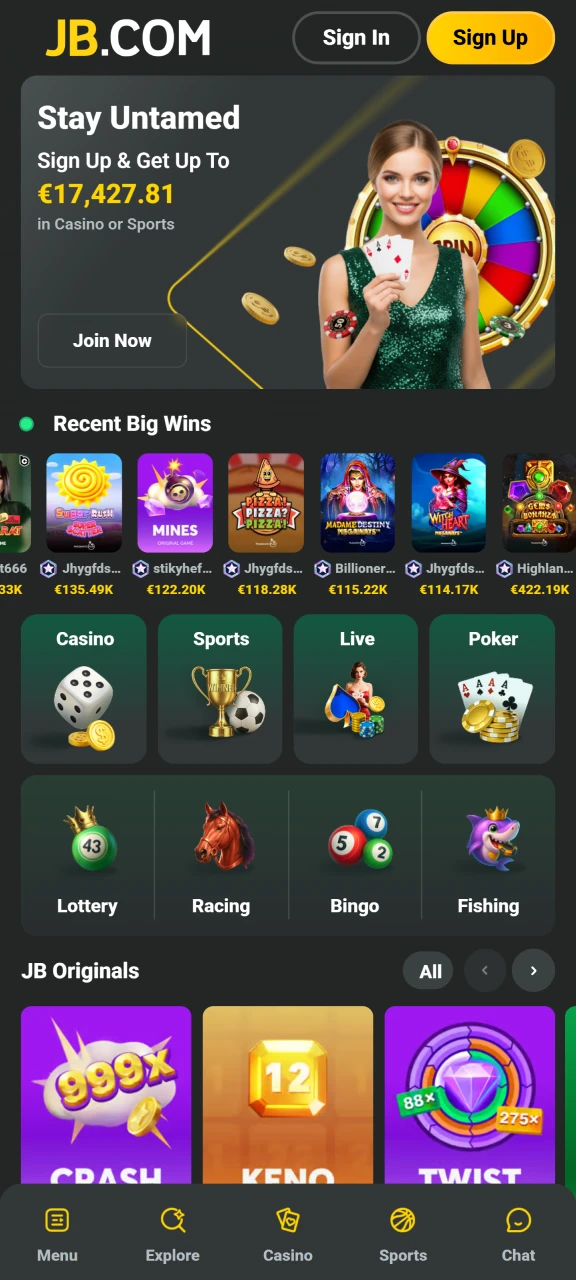
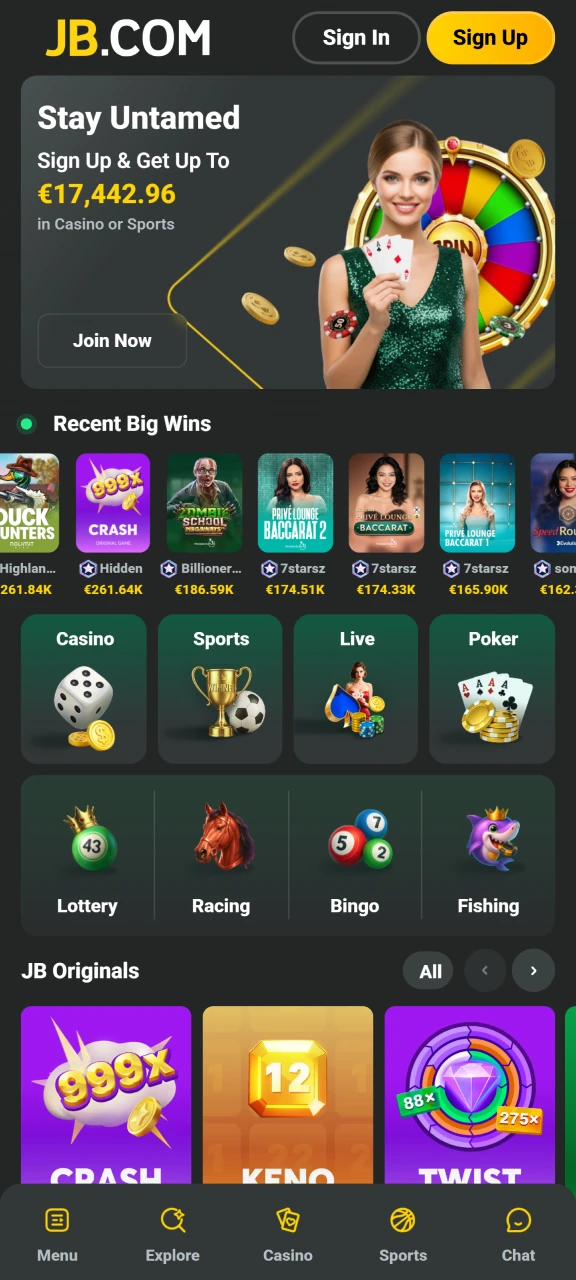
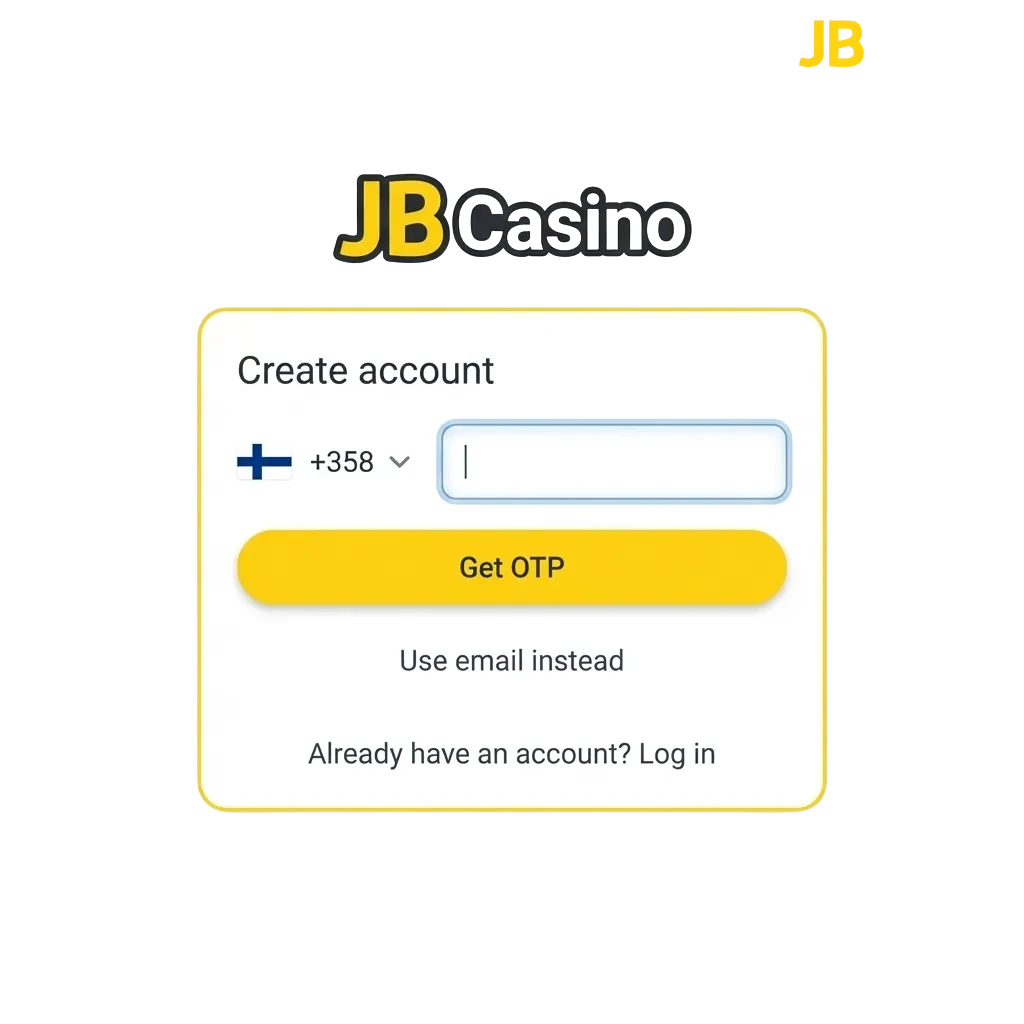
JB Casino registration interface showing login form and welcome bonus offer for new players

How to Sign Up for an Account

Creating an account takes a few minutes and unlocks the full gaming platform.

Step 1

Start Registration

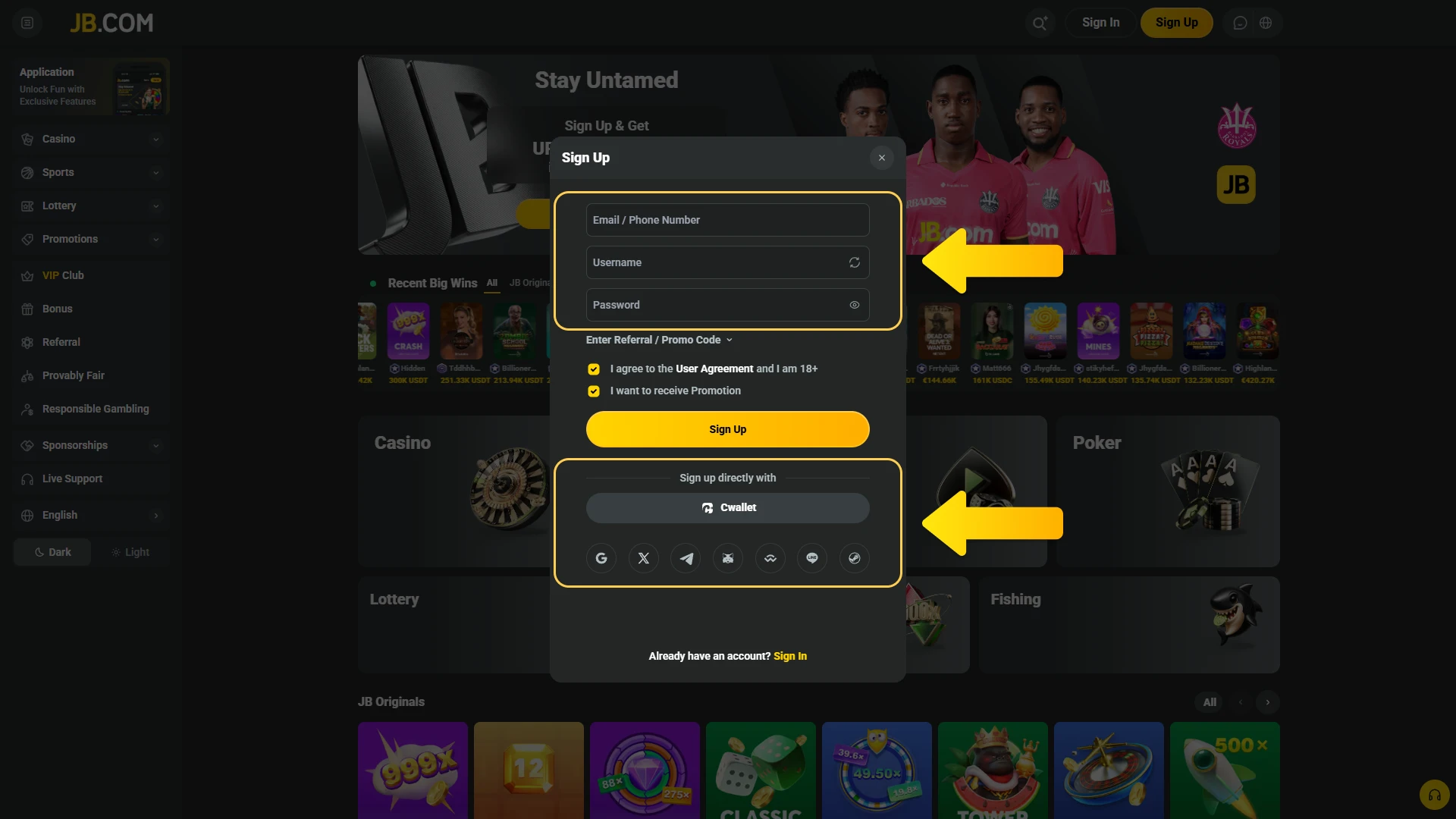
Click the button below to open the sign-up form.
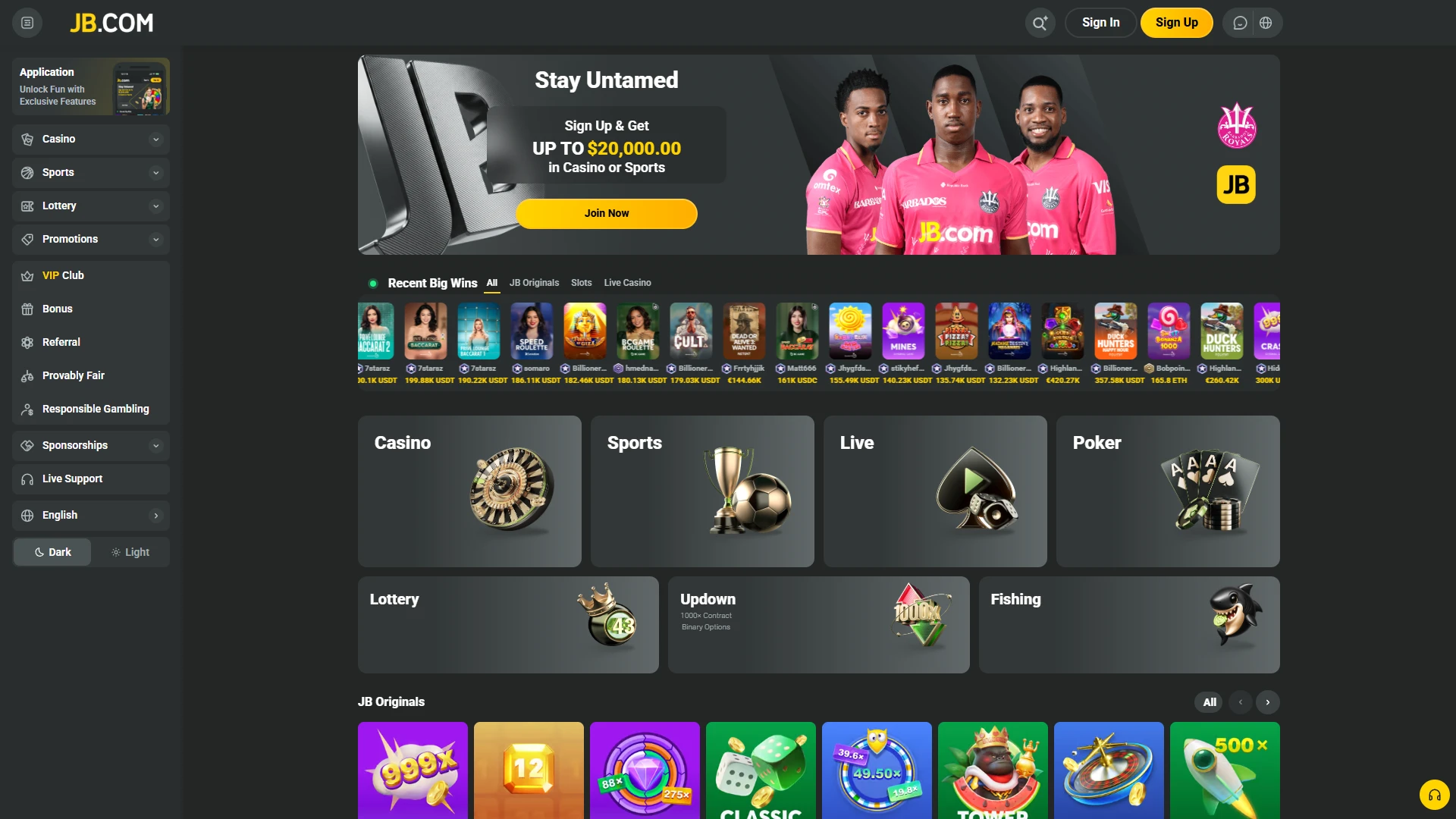
Launch the official JB Casino sign-up form to begin.
Step 2

Choose Your Method

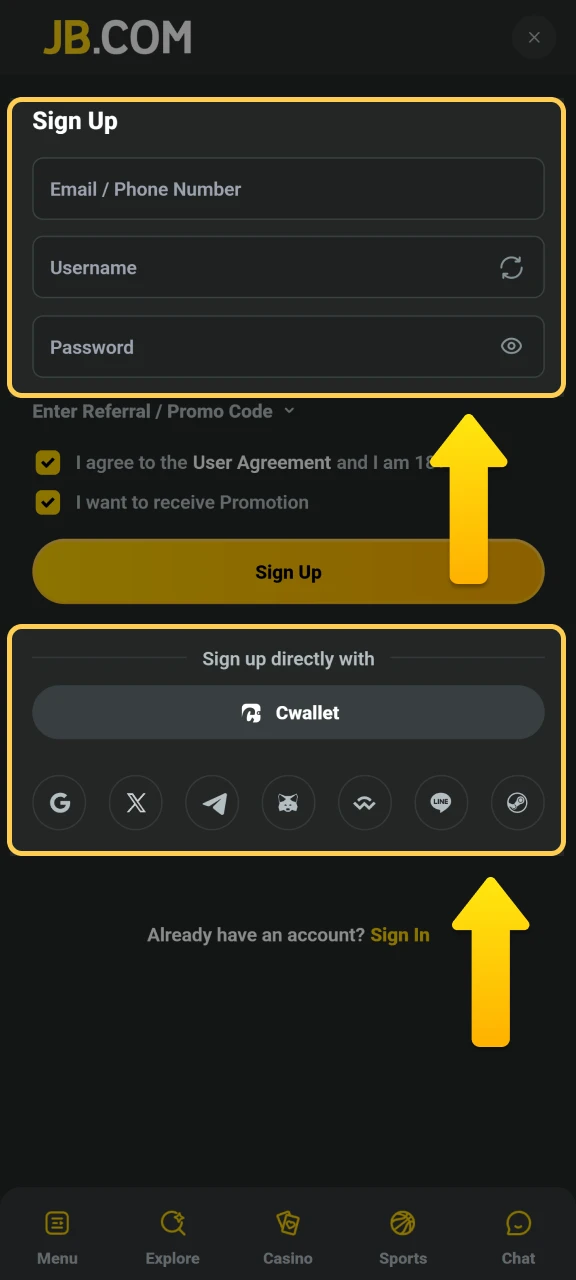
Select standard registration, one-click sign-up, or social media login.

Choose your preferred method of registration at JB Casino.
Step 3

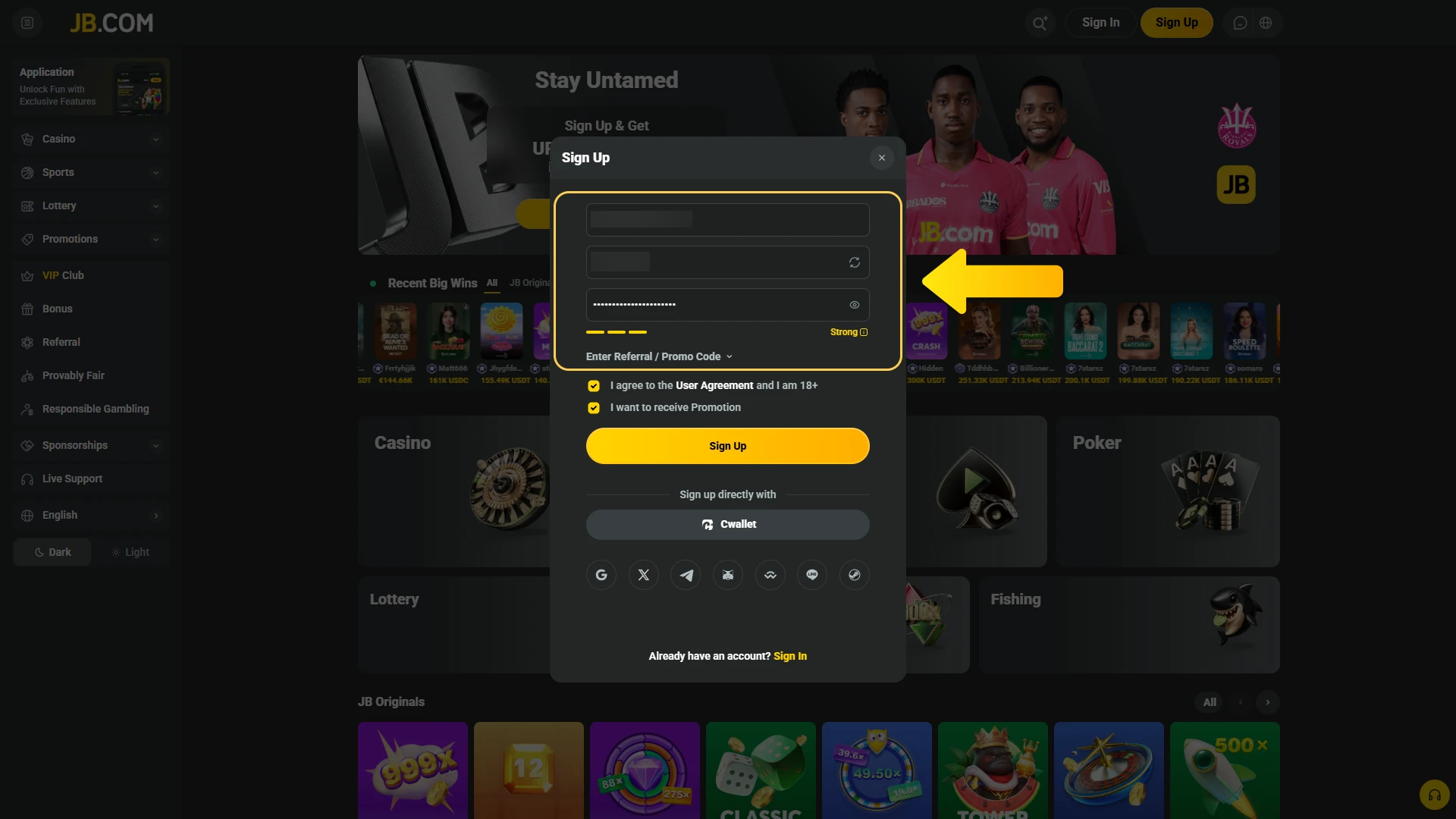
Enter Personal Details

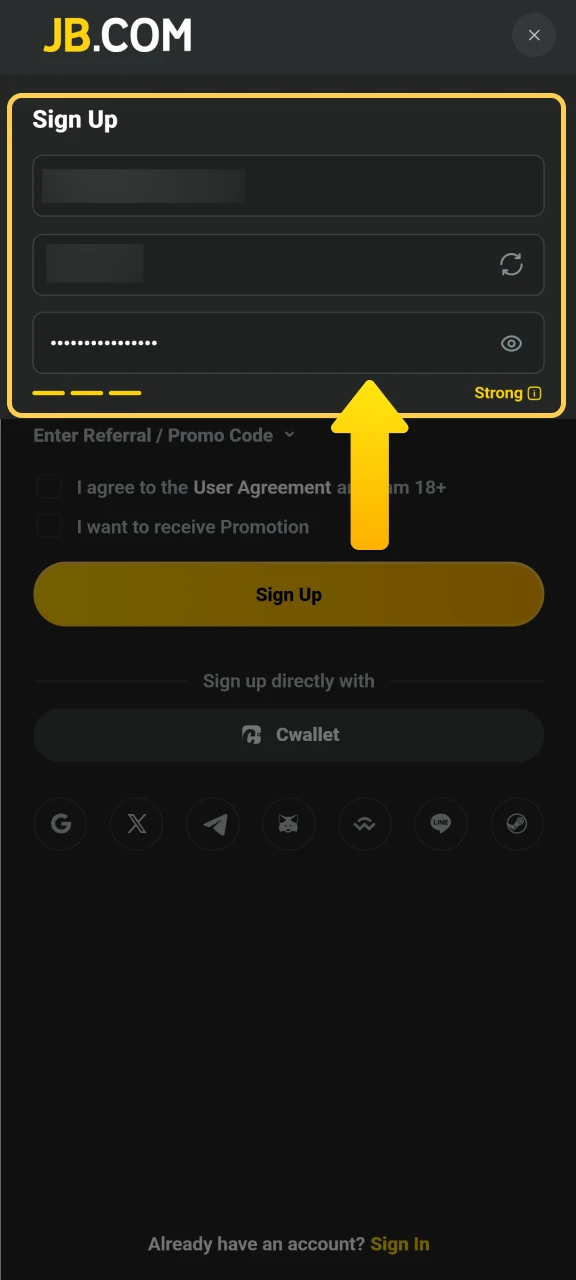
Provide your email, phone number, and create a password.

Enter your personal information to create a profile at JB Casino.
Step 4

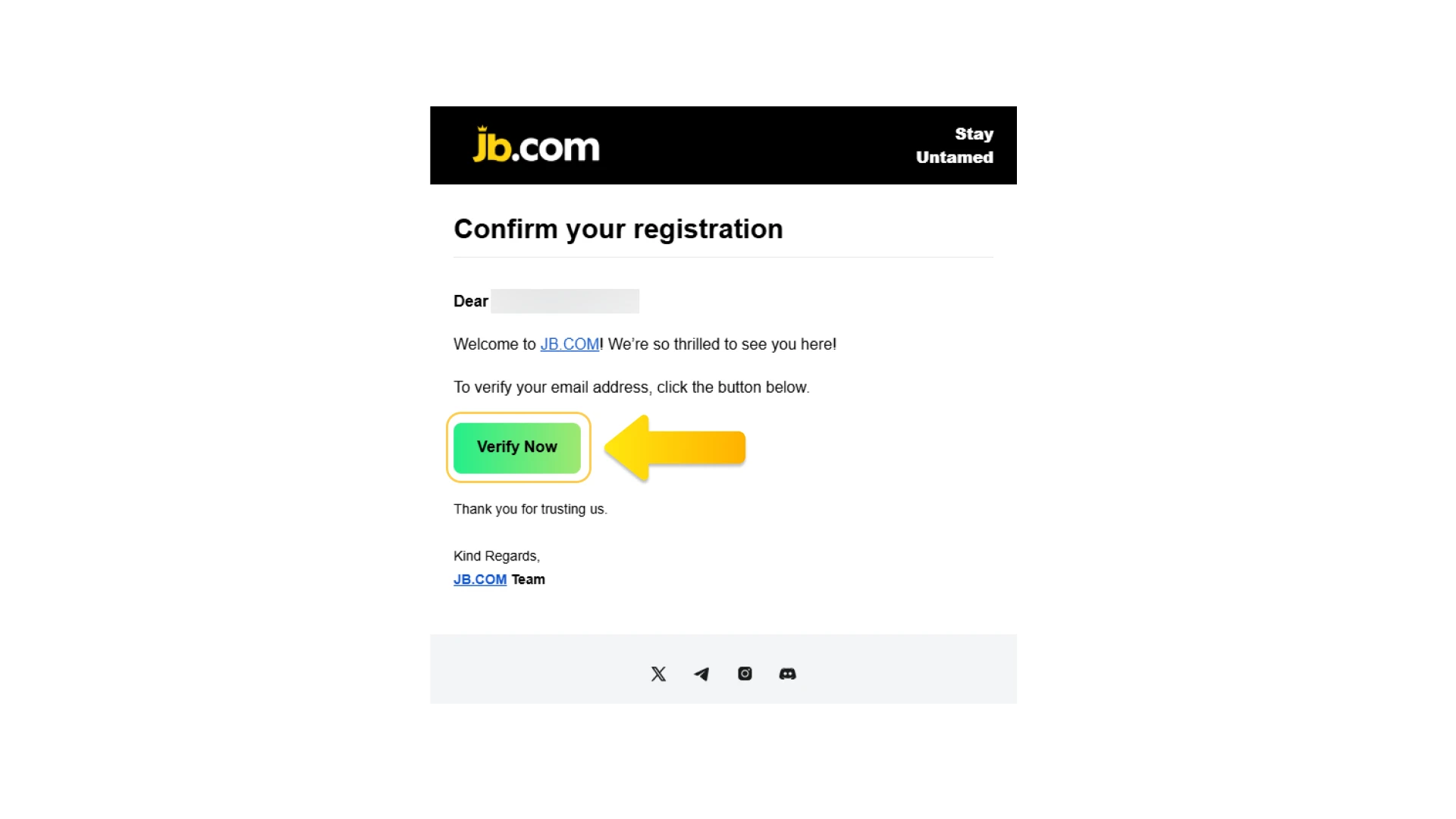
Confirm Your Account

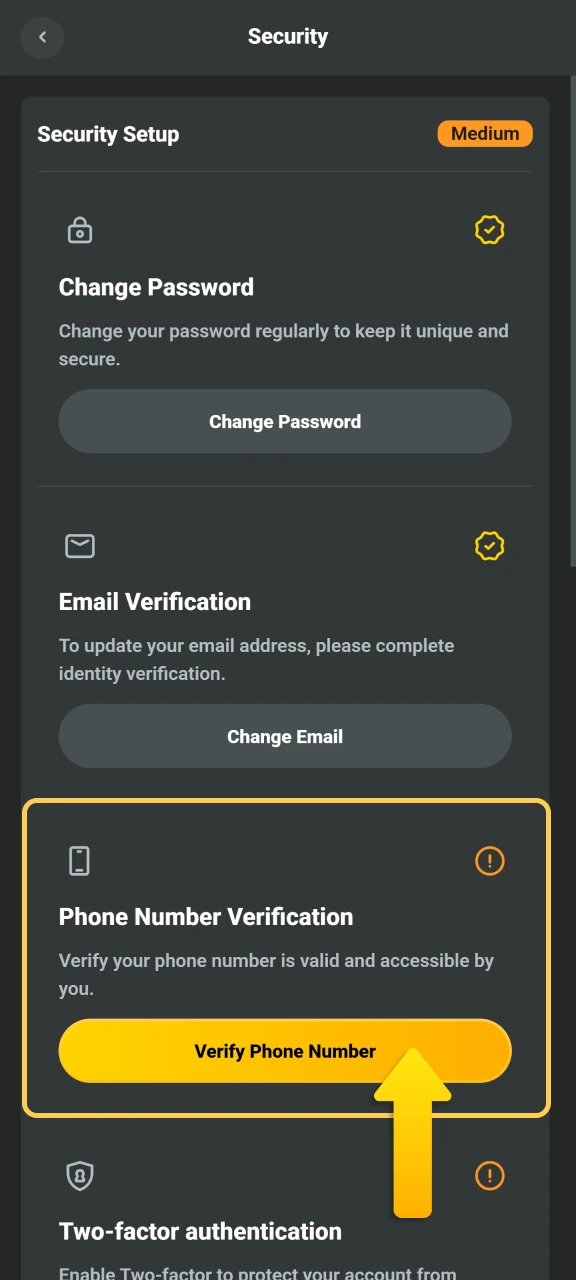
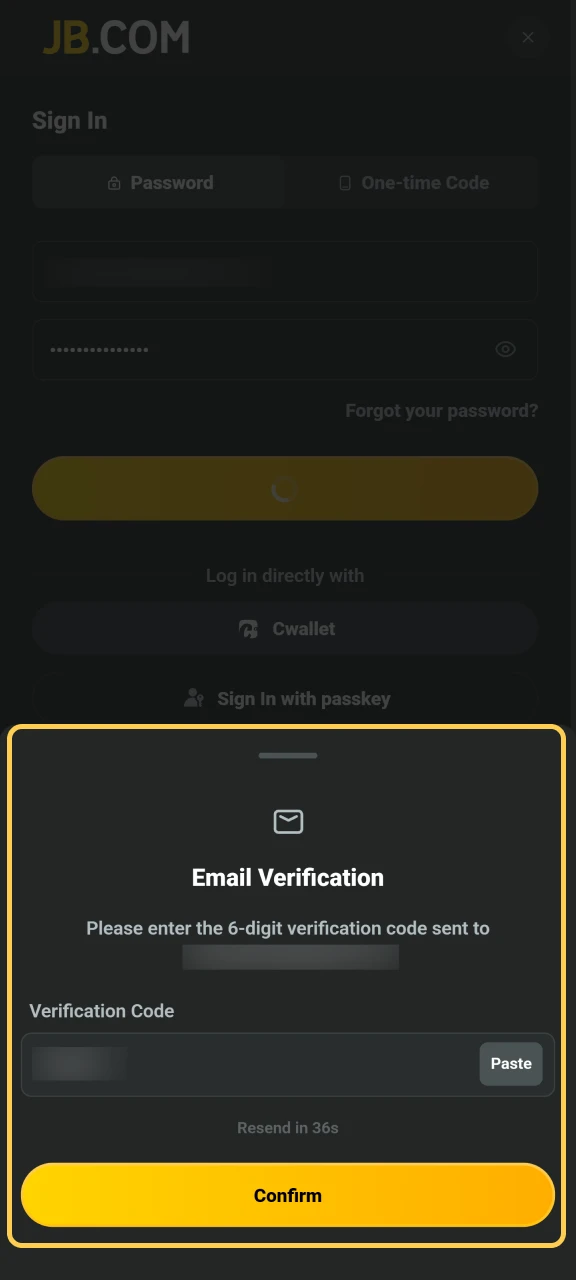
Verify your email or phone number using the code sent to you.

Authenticate your new JB Casino account using the verification code.
Step 5

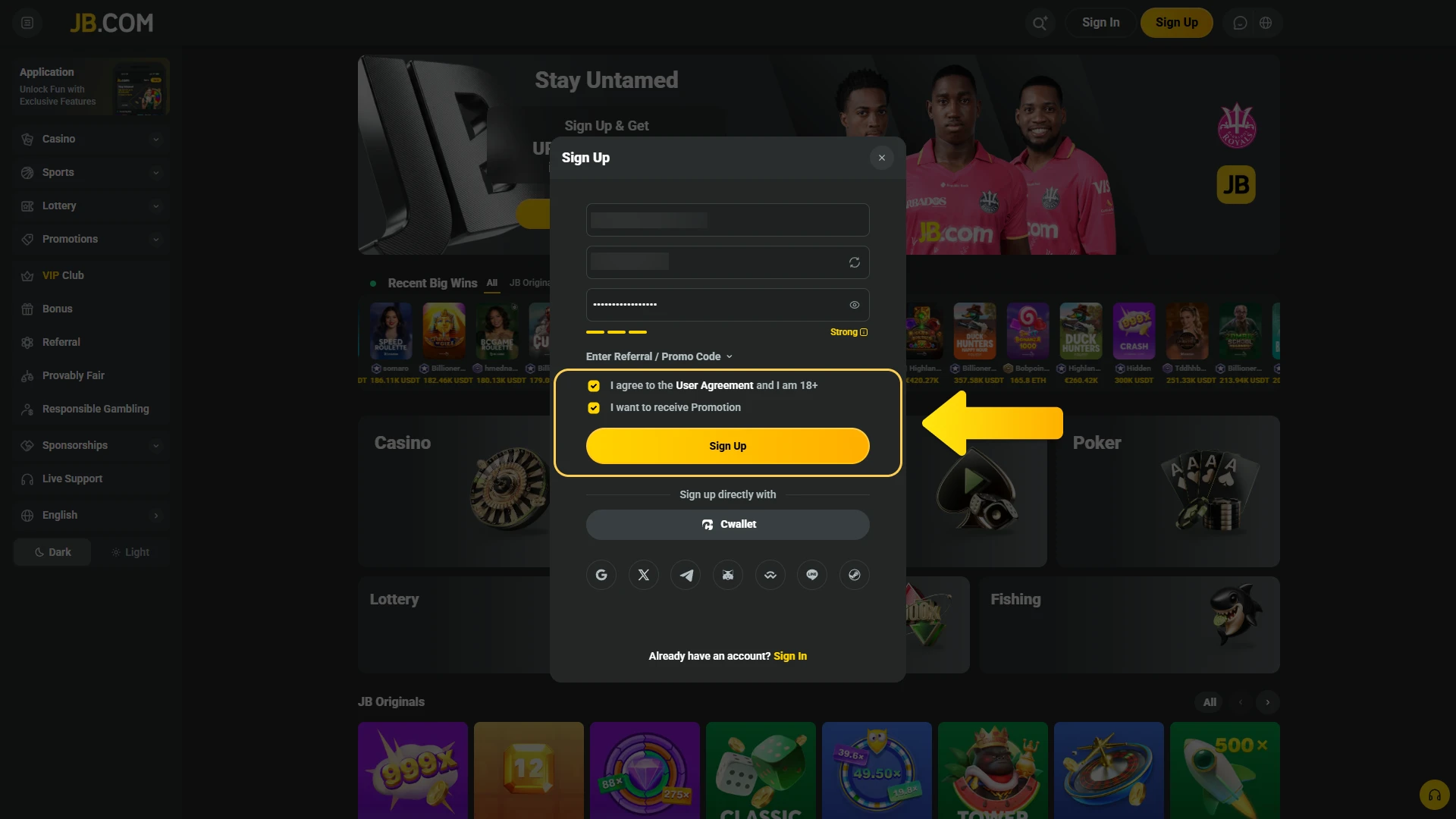
Complete Setup

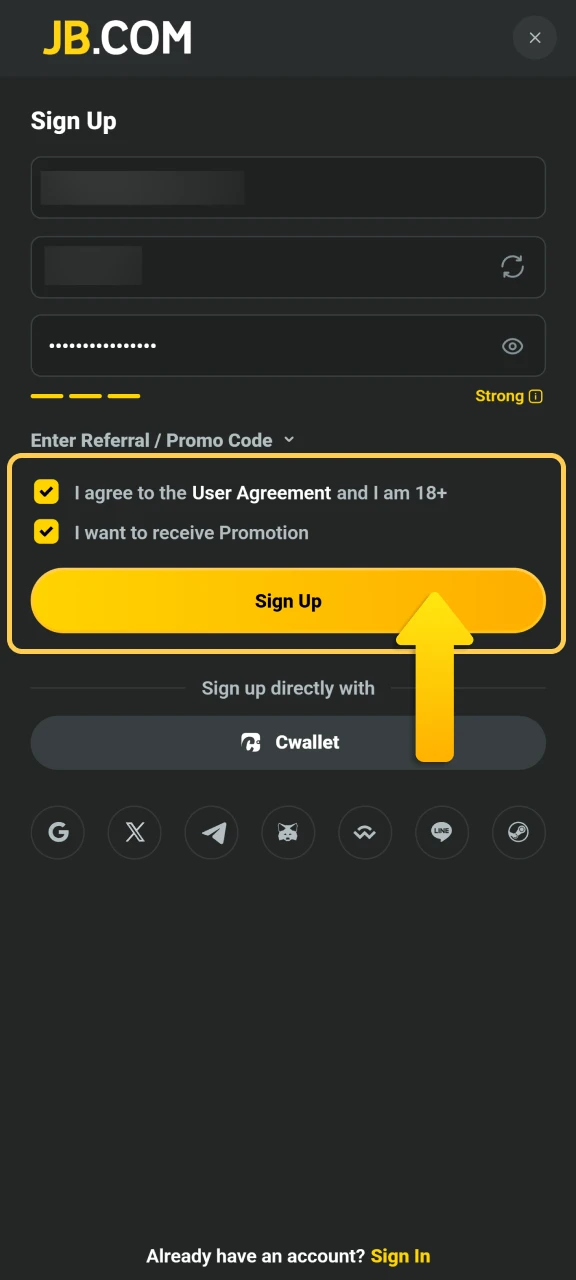
Add currency preference and accept terms to finish registration.

Sign up
Finalize your JB Casino settings and agree to the user terms.

Registering Through the Mobile App

The mobile app offers the same registration process as the website but optimised for smaller screens.

Step 1

Open the App

Launch the application and tap the registration button.

Launch the JB Casino mobile software and tap the join button.
Step 2

Select Registration Type

Choose between standard, one-click, or social media registration.

Pick your favorite sign-up method on the JB Casino app.
Step 3

Fill in Your Information

Enter your email, phone number, and password.

Enter your contact data to create a JB Casino account.
Step 4

Verify Your Details

Confirm your contact method using the verification code.

Verify your mobile profile using the JB Casino security code.
Step 5

Set Preferences

Choose your currency and agree to terms to complete the process.

Register JB Casino
Select your account currency and finalize the JB Casino setup.

Requirements for Creating an Account

Before you register, make sure you meet the following conditions. These rules apply to all users in Finland.

  1. You must be at least 18 years old to create an account and place bets.
  2. You can only register one account per person, household, or IP address.
  3. You need to provide accurate personal information matching your identity documents.
  4. You must complete verification within a set timeframe to withdraw winnings.
  5. You agree to follow responsible gambling guidelines and local regulations.
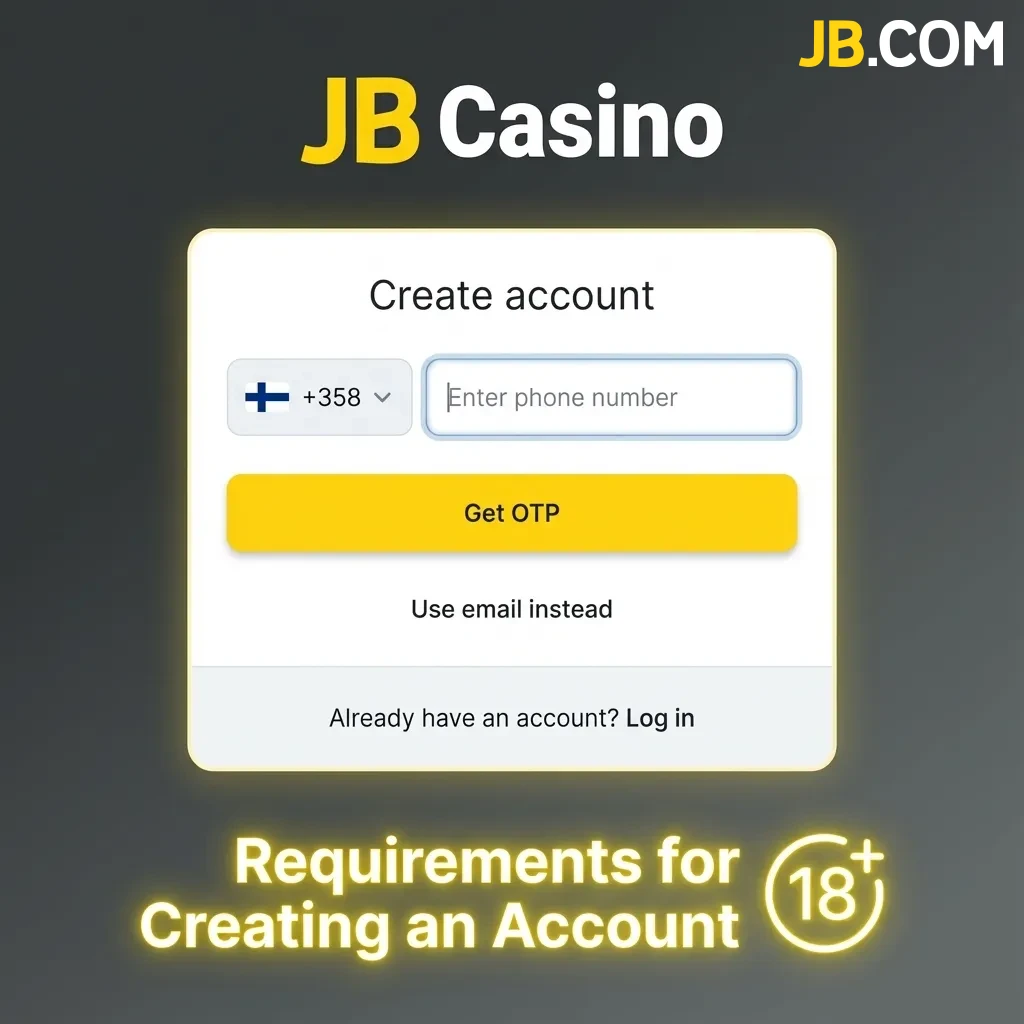
Account registration requirements checklist for Finnish users aged 18+ with verification rules

Complete Account Verification

Verification is required to comply with Finnish regulations and protect your account. It confirms your identity and allows you to withdraw funds without delays. Most users complete the process within 24 hours.

Step 1

Identity Confirmation

Upload a copy of your passport, ID card, or driving licence.

Step 2

Address Proof

Provide a utility bill, bank statement, or official document showing your current address.

Step 3

Payment Method Check

Submit a photo of the card or payment method used for deposits.

Step 4

Review and Approval

Wait for the platform to review your documents and confirm your account status.

Log In to Your Gaming Account

Accessing your account is quick and secure once you’ve completed registration.

Step 1

Open the Login Page

Click the button below to go to the sign-in area.

Navigate to the official JB Casino sign-in portal.
Step 2

Enter Your Credentials

Type in your registered email or username and password.

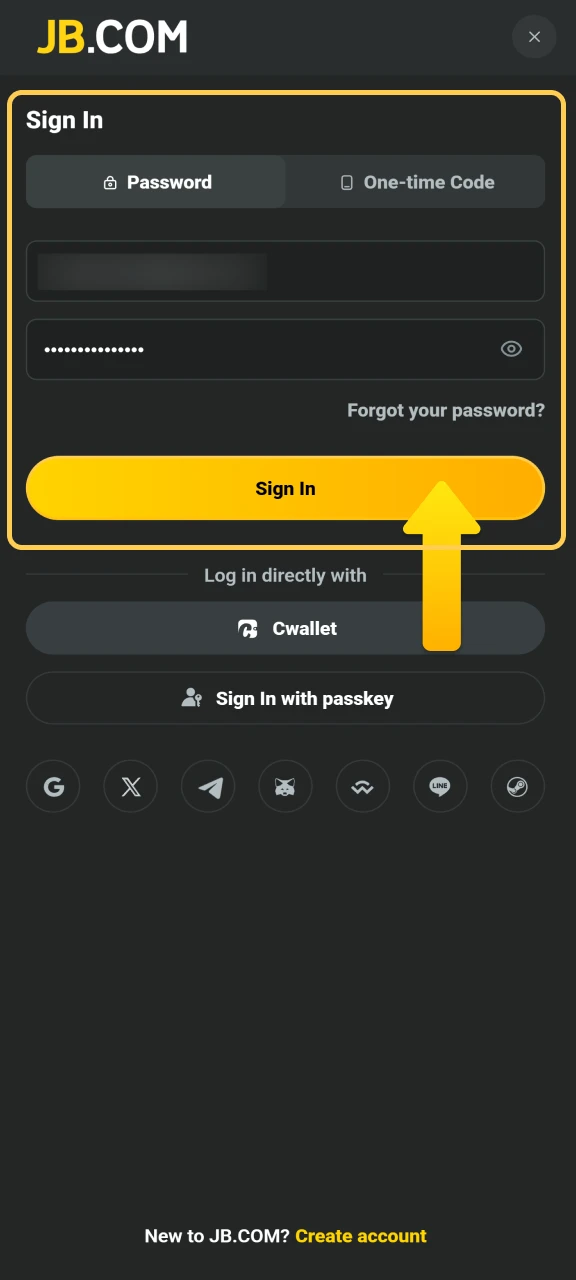
Input your registered credentials to access your JB Casino profile.
Step 3

Complete Security Check

If prompted, verify your identity using two-factor authentication or SMS code.

Authenticate your JB Casino session using the security verification code.
Step 4

Access Your Dashboard

You’re now logged in and can start playing, managing deposits, or claiming bonuses.

Log in to your JB Casino account to manage your wallet and winnings.

Welcome Bonus After Registration

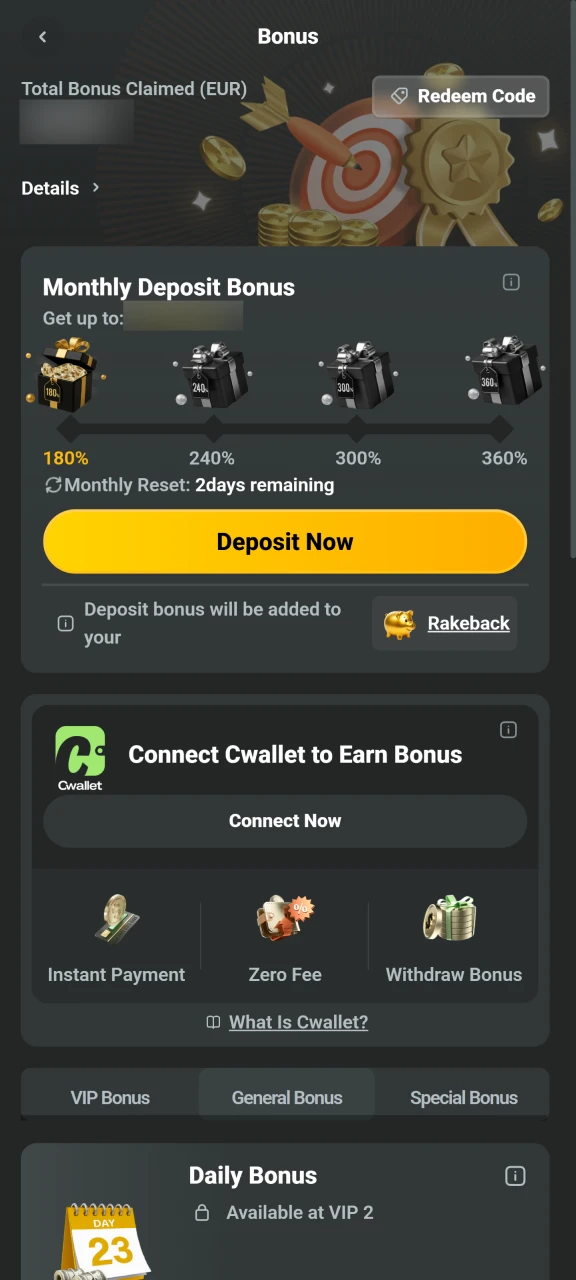
New users can claim a generous welcome bonus across casino games and sports betting. The total offer reaches EUR 17,160, split between casino and sportsbook bonuses.

Bonus Type Amount Minimum Deposit Wagering Requirements
Casino Bonus Up to EUR 10,000 EUR 20 35x bonus
Sports Bonus Up to EUR 7,160 EUR 10 5x bonus + odds 1.50+

You can claim both bonuses or choose the one that fits your playing style.

Get a bonus

Claim Your Welcome Bonus

Activating your bonus is straightforward after you’ve signed up.

Step 1

Make Your First Deposit

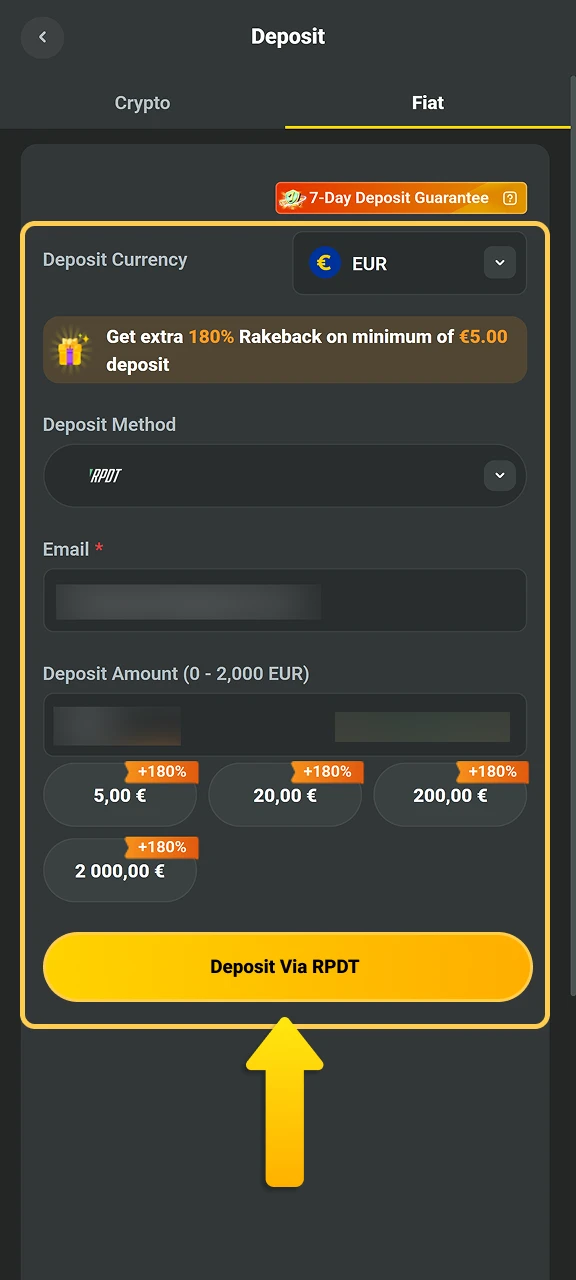
Log in and add funds to your account using any accepted payment method.

Fund your new JB Casino account to trigger the initial offer.
Step 2

Select the Bonus

Choose the casino or sports bonus during the deposit process.

Select your preferred casino or sports bonus from the list.
Step 3

Meet the Requirements

Place bets or play games according to the wagering conditions.

Complete the JB Casino wagering requirements to unlock credits.
Step 4

Withdraw Your Winnings

Once you’ve met the requirements, request a withdrawal to your preferred method.

Withdraw your earned winnings from the JB Casino platform.

Common Registration Problems and Solutions

Sometimes issues arise during sign-up. Here’s how to solve the most common ones.

  • Problem: Verification code not arriving | Solution: Check your spam folder or request a new code after one minute;
  • Problem: Email already registered | Solution: Try logging in or use the password recovery option if you forgot your details;
  • Problem: Documents rejected during verification | Solution: Ensure files are clear, recent, and show all required information;
  • Problem: Registration form not loading | Solution: Clear your browser cache or try a different browser;
  • Problem: Payment method not accepted | Solution: Contact support to confirm which methods are available in Finland.
Troubleshooting guide showing common registration problems with solutions for verification, login, and document issues

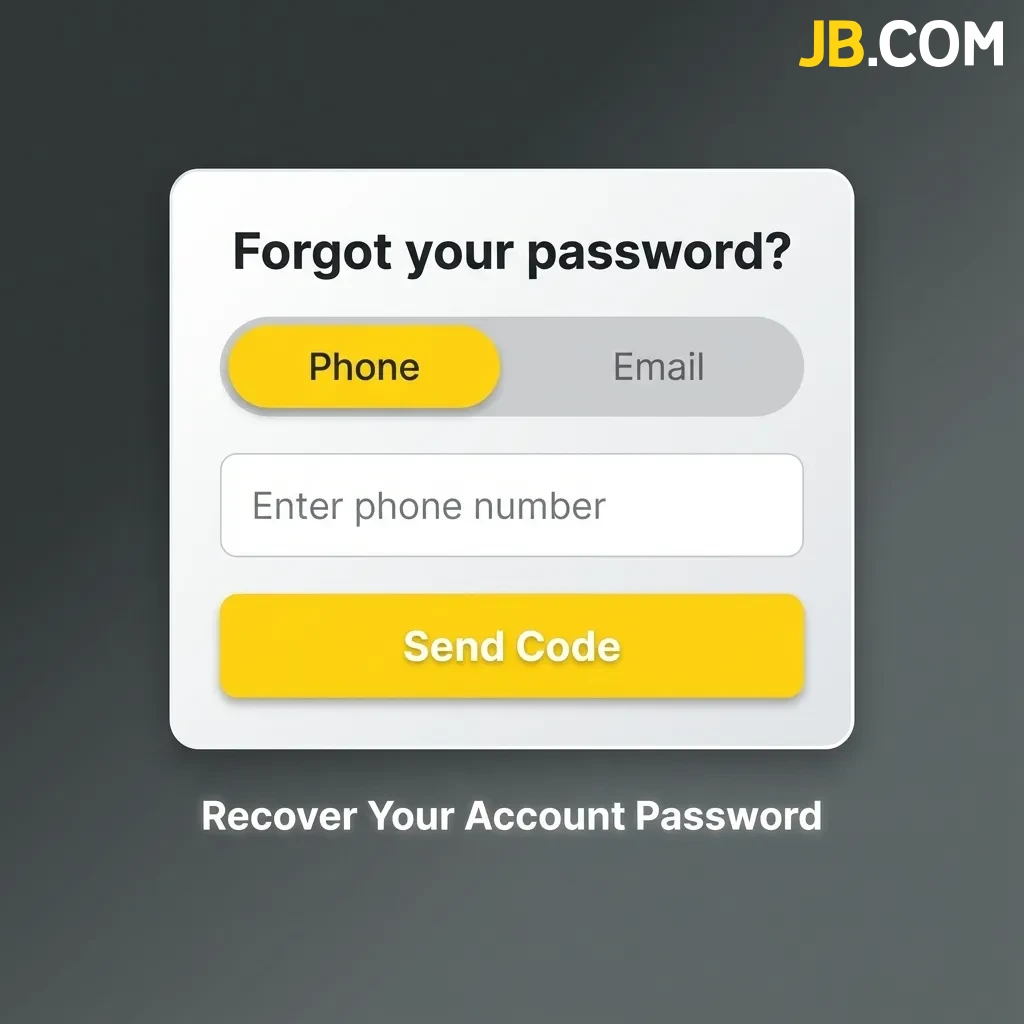
Recover Your Account Password

If you can’t log in, resetting your password is simple.

  1. Click the “Forgot Password” link on the login page.
  2. Enter your registered email address or phone number.
  3. Check your inbox or messages for a recovery link or code.
  4. Follow the instructions to create a new password.
  5. Log in using your new credentials.
Password recovery steps showing forgot password link, email entry, verification code, and new password creation.

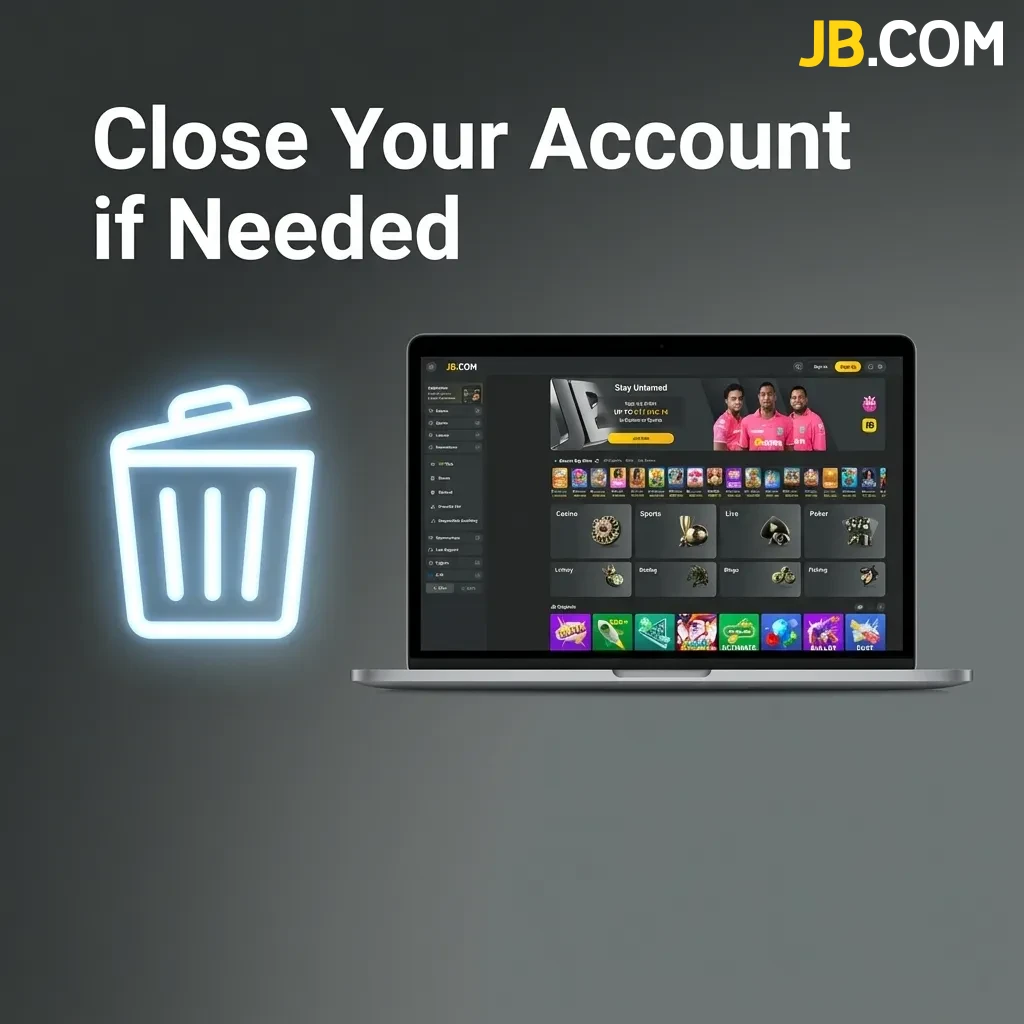
Close Your Account if Needed

You can delete your account at any time for personal or responsible gambling reasons.

  1. Log in to your account and go to settings.
  2. Find the account closure or self-exclusion option.
  3. Confirm your choice and provide a reason if required.
  4. Withdraw any remaining balance before finalising the closure.
Account closure settings screen showing options to delete account and self-exclude for responsible gambling

FAQ

Can I register if I live outside Finland?

The platform accepts users from many countries, but you must check if your location is allowed during sign-up.

How long does verification take?

Most accounts are verified within 24 hours if all documents are clear and meet requirements.

Can I use the same account on mobile and desktop?

Yes, your login works across all devices once you’ve registered.

What happens if I forget my username?

Contact support through live chat or email, and they’ll help you recover your account details.

Can I change my registered email address later?

You can update your email through account settings, but you may need to verify the new address.

Updated: