
Step 1
Quick Access to Your Account
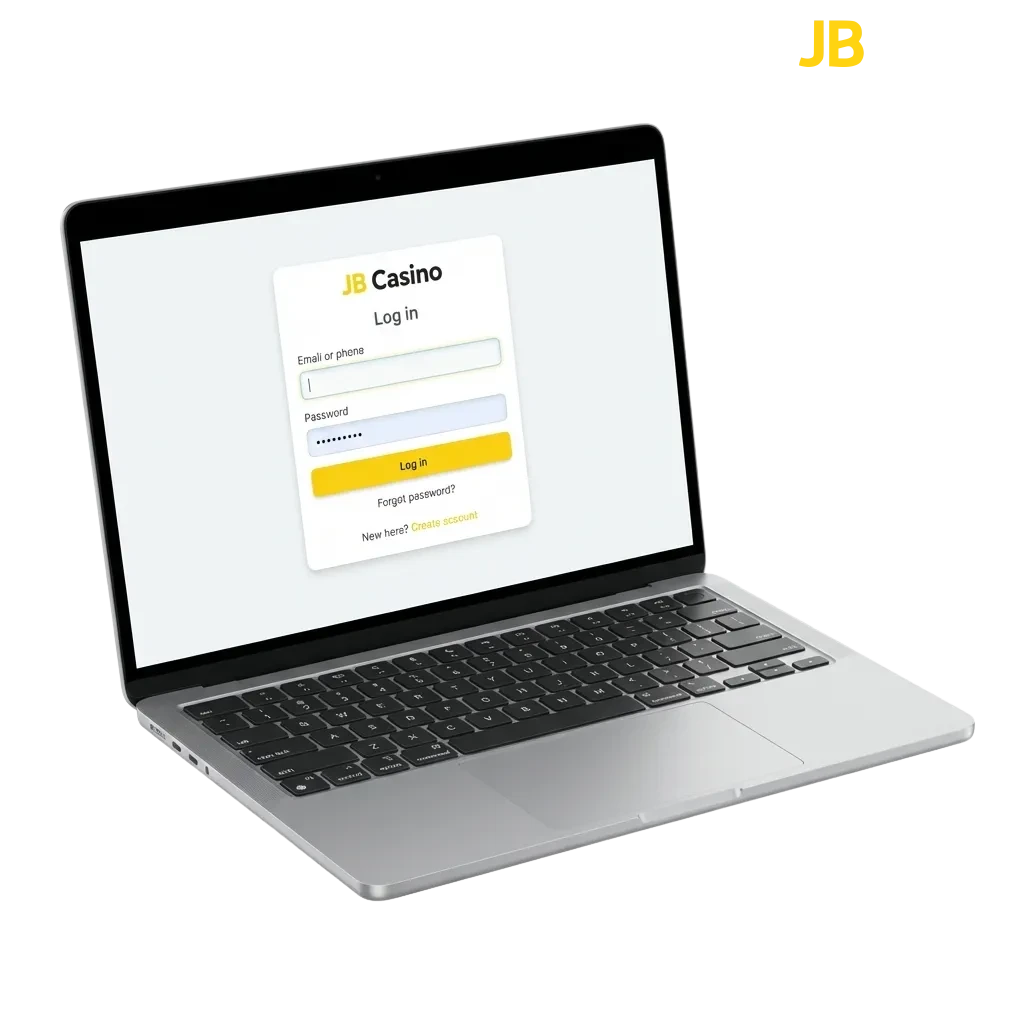
Log in to your account using your registered email and password through the website or mobile app. The process takes seconds and protects your data through encryption and optional two-factor authentication. Once logged in, you can access sports betting markets, casino games, active bonuses, deposits, and withdrawals.
Available Login Methods
You can access your account through several convenient methods. These include email and password, mobile number and password, social media accounts, and one-click options if saved on your device.
Email and Password
This is the most common method for accessing your account. You use the email address you registered and the password you created during signup.
- Navigate to the official site and click the login button in the top-right corner.
- Enter your registered email address in the first field.
- Type your password in the second field.
- Click the sign in button to access your profile.
Logging In Through the Mobile App
The mobile app offers faster access and saves your credentials for quicker future logins. The interface is optimised for touchscreens and includes biometric options like fingerprint or face recognition on supported devices.
Step 2
Open the app and tap the sign in button on the home screen.
Step 3
Enter your email or mobile number and password, or use biometric authentication if enabled.
Step 4
Tap the confirmation button to access your account.
Common Login Issues and Solutions
Some users encounter technical or credential-related problems when trying to access their accounts. Below are the most frequent issues and how to resolve them.
| Problem | Solution |
|---|---|
| Incorrect password | Click ‘Forgot Password’ on the sign in screen and follow the email instructions to reset it. |
| Account locked after multiple failed attempts | Wait 15–30 minutes before trying again, or contact support to unlock your profile immediately. |
| Email not recognised | Check for typos, verify you’re using the registered email address, or try your mobile number if registered. |
| App not loading the sign in page | Clear the app cache, restart your device, or reinstall the latest version from the official site. |
| Two-factor authentication code not received | Check your spam folder, request a new code, or use backup codes saved during setup. |
Resetting Your Password
If you’ve forgotten your password, you can reset it using your registered email or mobile number. The process is secure and takes only a few minutes.
Step 1
Click the ‘Forgot Password’ link on the sign in page.
Step 2
Enter your registered email address or mobile number in the provided field.
Step 3
Check your inbox or messages for a reset link or code.
Step 4
Follow the link or enter the code on the website, then create a new password.
Step 5
Sign in using your new password and confirm access to your profile.
FAQ
Can I stay logged in on multiple devices?
Yes, you can remain signed in on your phone, tablet, and computer at the same time. The platform syncs your activity across all devices.
What should I do if my account shows unusual activity?
Change your password immediately and enable two-factor authentication. Contact support if you notice unauthorised transactions or changes.
Can I use biometric authentication on all devices?
Biometric options like fingerprint or face recognition are available on supported iOS and Android devices through the mobile app.
How long does a session last before I’m logged out?
Sessions typically last 24 hours of inactivity on desktop and longer on mobile if you enable the ‘Remember Me’ option.
Can I recover my account if I no longer have access to my registered email?
Contact support with your account details, personal information, and a government-issued ID to verify your identity and update your email.
Updated: